Candidate Status Update Email Templates for Every Hiring Stage
Five short, copy-ready candidate status update email templates for every hiring stage, including the decision-delayed update most teams skip.
Internal Team
Candidates apply, interview, and then wait. Most of them are not asking for a fast answer. They are asking for any answer. A short update tells them the application is alive, who has it, and when they will hear more.
Silence sends a different message. In the 2025 CandE Benchmark research, 31% of North American candidates reported not hearing back from employers one to two or more months after applying. Greenhouse found that 61% of job seekers have been ghosted after a job interview. Every one of those candidates walks away with an opinion of the company. Few of those opinions are good.
The 5 Moments Candidates Need to Hear From You
Candidates do not need an email every day. They need one at each point where their status changes, or should have changed and did not.
1. Application received. Confirms the application arrived and explains what happens next.
2. Under review. Tells the candidate a real person is looking at their application and when to expect a decision on next steps.
3. Interview scheduled. Locks in the details and sets expectations for what happens after the conversation.
4. Decision delayed. Explains that the timeline slipped, confirms the candidate is still in the running, and gives a new date.
5. Final decision. Closes the loop, whether the answer is an offer or a no.
The fourth moment is the one most teams skip. Nothing has changed, so nothing gets sent. To the candidate, that silence looks exactly like a rejection.
Candidate Status Update Email Templates
Each template below is under 80 words. Replace the bracketed fields, keep the tone plain, and send.
Template 1: Application received
Subject: We received your application for [Role]
Hi [First name],
Thanks for applying for the [Role] position at [Company]. Your application is in, and our team will review it over the next [number] business days.
If your background is a match, you will hear from us about next steps. Either way, we will let you know where things stand by [date].
Thanks again,
[Your name]
Template 2: Under review
Subject: An update on your [Role] application
Hi [First name],
A quick update: your application for [Role] is now with the hiring team for review.
We expect to decide on next steps by [date]. There is nothing you need to do right now. We will reach out either way once the review is complete.
Best,
[Your name]
Template 3: Interview scheduled
Subject: Your interview for [Role] is confirmed
Hi [First name],
You are confirmed to interview for [Role] on [date] at [time] with [interviewer name and title].
The conversation will take about [length] and will be held [location or video link]. [One sentence on what to prepare.]
After the interview, you can expect to hear from us by [date]. Just reply here if anything changes.
Looking forward to it,
[Your name]
Template 4: Decision delayed
Subject: Still in progress: your [Role] application
Hi [First name],
Our decision on the [Role] position is taking longer than planned. [Brief reason, such as: the team is finishing a few remaining interviews.]
You are still being considered. Our new target date is [date], and you will hear from me by then, even if the decision is not final yet.
Thank you for your patience,
[Your name]
Template 5: Final decision (not moving forward)
Subject: Your application for [Role]
Hi [First name],
Thank you for the time you put into interviewing for [Role]. After careful consideration, we have decided to move forward with another candidate.
This was not an easy decision. [Optional: one specific, genuine piece of feedback.] We would welcome an application from you for future roles that fit your experience.
Wishing you the best,
[Your name]
For offers, call first and follow up in writing. A written offer should never be the first time a candidate hears the news.
Tips for Sending Candidate Status Updates
Always name the next date. The most useful line in any update is when the candidate will hear from you next. A date turns waiting into a plan. Then keep it.
Send updates even when nothing has changed. A two-line note that says “still in progress, new date is Friday” prevents the “any update?” email it replaces. Silence is what fuels “where’s my application?” emails, and those cost far more time than the update would have.
Personalize the details, not the whole email. The role, the interviewer’s name, and the date matter more than custom prose. Templates keep the tone consistent across a team. The specifics make them feel human.
Match the timing to the stage. Acknowledge applications within one business day. Confirm interviews as soon as they are booked. Share final decisions within a few days of the last interview, and never leave an interviewed candidate without a closing message.
Responsiveness shapes decisions. In CareerPlug’s 2025 Candidate Experience Report, 23% of job seekers said responsiveness throughout the hiring process influenced their decision to join a company.
The Hidden Cost of Manual Updates
Templates save writing time. They do not save sending time. Someone still has to check the ATS, find the right candidates, fill in the fields, and hit send, one stage change at a time.
That work adds up. An IQTalent time-tracking study of more than 200 recruiters across 20 companies found that status updates and follow-up emails take about 10% of recruiter time, or 60 to 90 minutes a day. That category includes answering “what is the status of my application?” inquiries.
The inquiries are the expensive part. Each “any update?” email interrupts other work, requires a lookup, and usually gets an answer the candidate could have seen on their own. For a deeper breakdown, see how much time recruiters lose to “any update?” emails.
Skipping updates costs more. CareerPlug found that 26% of job seekers have declined an offer due to a poor candidate experience. In the CandE research, lack of communication, ghosting, and no follow-up was the number one negative theme in candidate comments.
When to Automate Candidate Status Updates
Manual templates work when hiring volume is low. Once a team is running several open roles at once, the gaps start to show. The decision-delayed email gets skipped first, because no ATS event triggers it.
The fix is to stop treating status as something a recruiter has to send. The ATS already knows where every candidate stands. Connecting it to a candidate-facing status view lets candidates check their progress whenever they want. Most routine updates, and nearly all “any update?” emails, disappear.
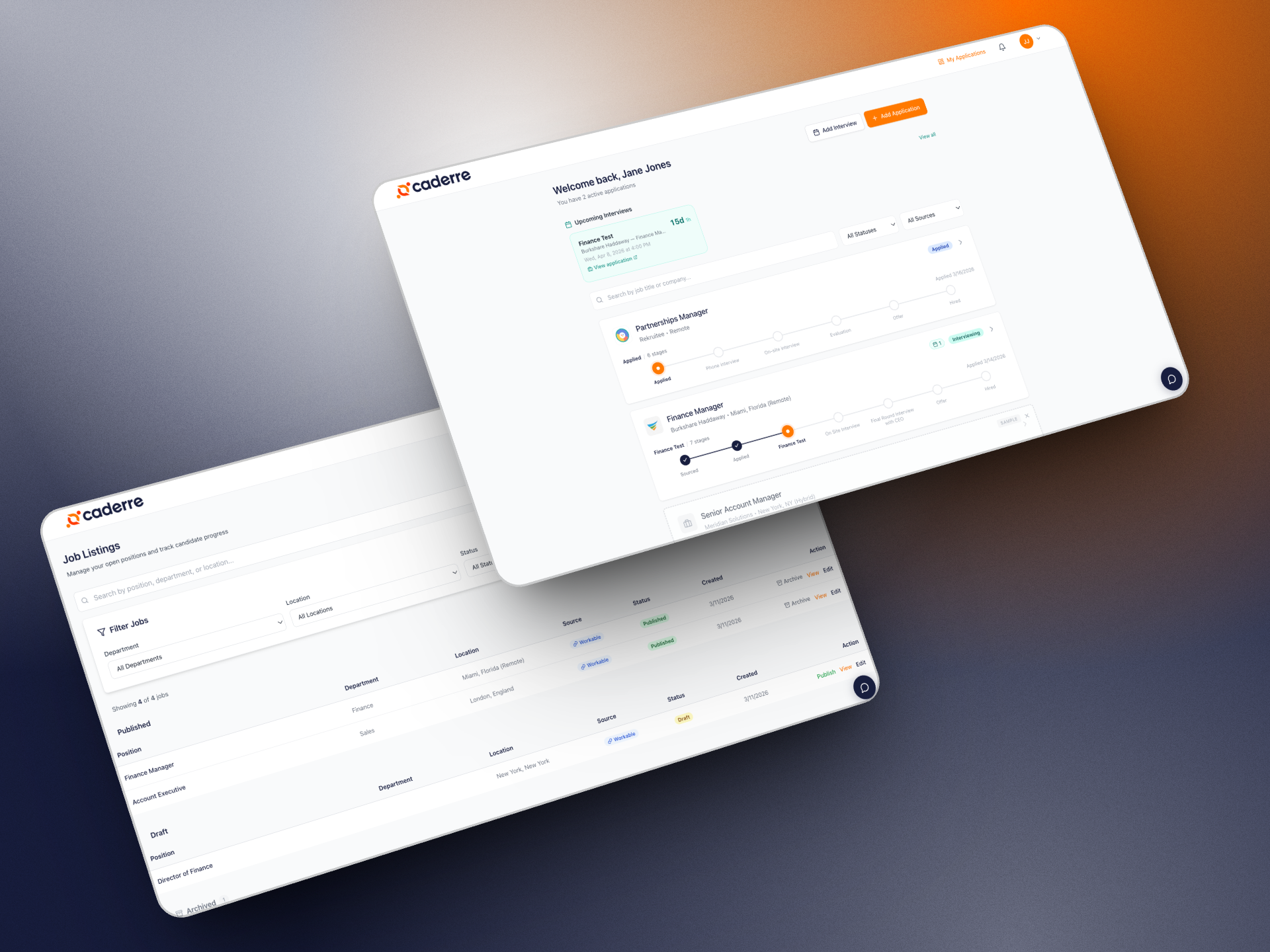
Caderre works this way. It connects to the ATS a team already uses and gives each candidate a live view of their application that updates as stages change. Recruiters keep personal outreach for the moments that need it: interview prep, delays, and final decisions.
A simple rule helps. If an email only reports a stage change, automate it. If it needs judgment or empathy, write it.
Start With the Email Most Teams Skip
Candidates remember how a company treated them while they waited. A short, honest update at each stage takes a few minutes. Silence costs candidates, offers, and reputation.
Pick the decision-delayed template and send it to every candidate waiting on an answer this week. Then remove the need for most of the rest. See how a live candidate status view works →
See Caderre in action
Connect your ATS and give candidates real-time visibility into their application status. Free 14-day trial, no credit card required.
Start free trialShare this article